Industrial Connectivity
Connect equipment data beyond the factory floor.
Link industrial equipment with a remote monitoring center using the CM520 router family.
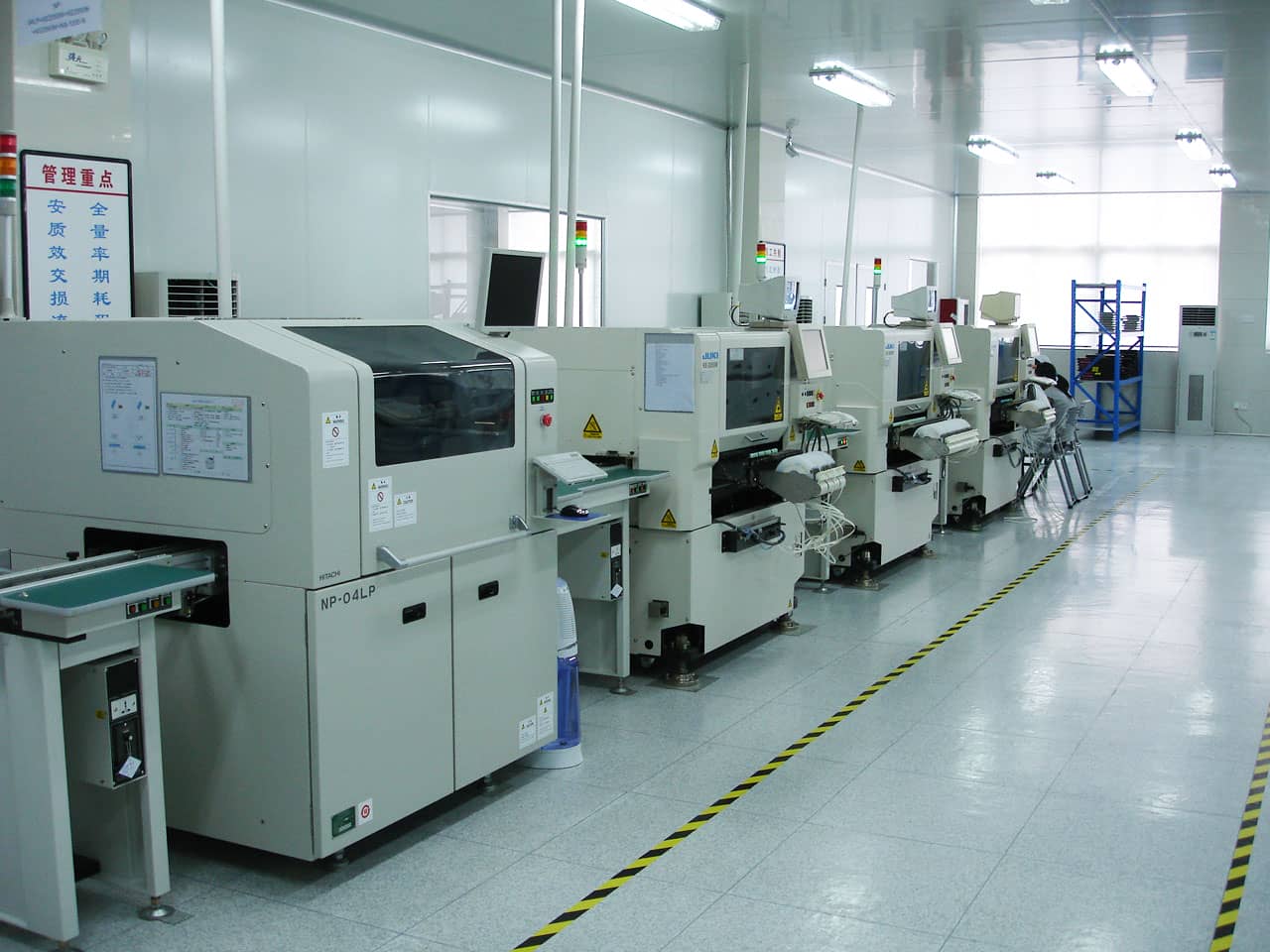
Discuss Your Project →Official CAIMORE factory photograph; not a customer installation.
Application requirements
Industrial Equipment Connectivity
Distributed industrial equipment needs a network path for status, alarms and authorized remote diagnostics without repeated site access.
- Confirm the equipment network and supported diagnostic software.
- Configure VPN endpoints, access policy and user permissions.
- Keep machine safety and control interlocks within the local system.
From field to platform
How the system connects
01Connect equipment
Connect the equipment network to the industrial router. Machine software supplies the status and alarm information.
02Establish remote access
Configure the supported VPN connection between the router and the customer endpoint, with appropriate access rules.
03Review and diagnose
Authorized customer tools review operating data and support fault diagnosis. The router provides connectivity, not machine-control software.
Equipment & integration
Related CAIMORE Products
Match the selected hardware to the field interfaces, network and deployment requirements above.
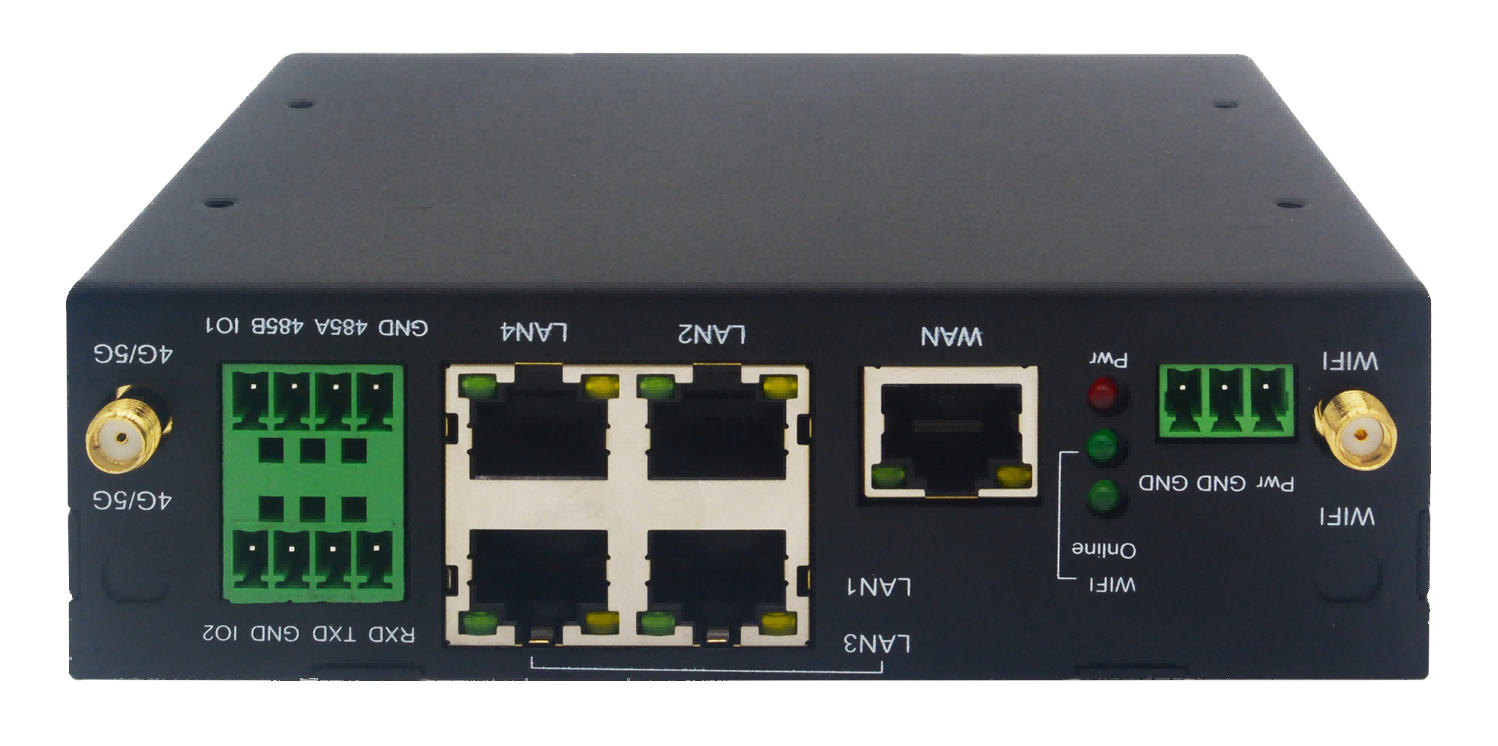
Ethernet connectivity for industrial equipment. Confirm the required serial and remote-access configuration.
CM520 family example; interfaces and firmware depend on the version.
CM520 networking options for equipment connectivity. Compare interfaces and supported VPN configuration for the deployment.
Sensors, carrier service and monitoring software are selected separately for the project.