Smart Commerce

Connect passenger information at the bus stop.

Connect digital bus-stop displays with arrival information and multimedia services.

Discuss Your Project →
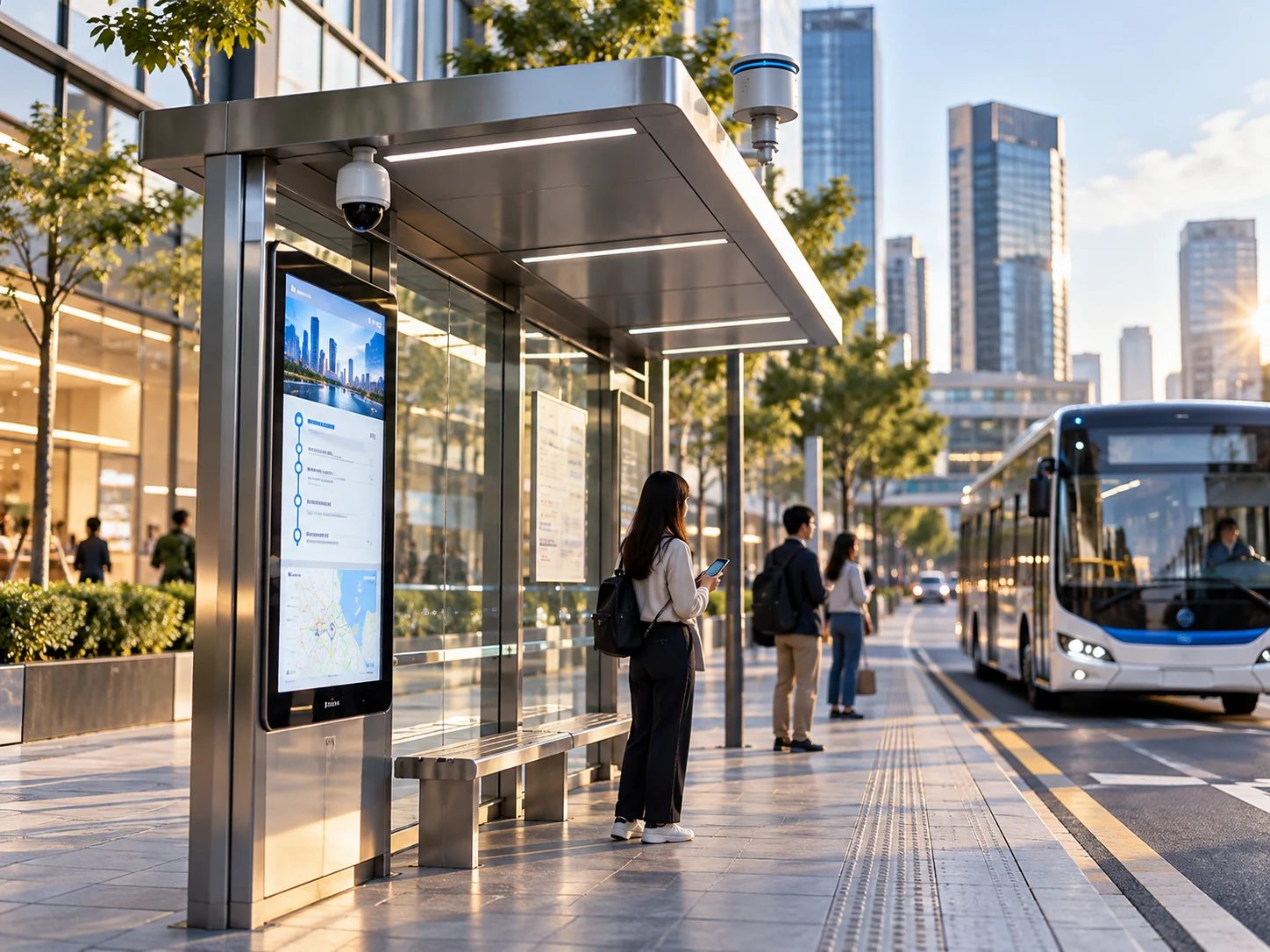
Bus shelter with passenger information display

Illustrative application scene, not an identified customer installation.

Application requirements

Smart Bus Stops

Passengers need timely service information at the stop.

  • Define display and information-platform interfaces.
  • Plan cabinet power and installation access.
  • Select connectivity for the deployment location.

From field to platform

How the system connects

System data flowField equipment: Bus-stop display. Next connection: Display data. CAIMORE connectivity: Cellular router. Catalog equipment example Next connection: Network uplink. Network operator: Communication network. Next connection: Content updates. Customer system: Information platform. 01 / FIELD EQUIPMENTBus-stop displayDisplay data02 / CAIMORE CONNECTIVITYCellular routerCM520-57FB series, catalog example for selectionCatalog equipment exampleNetwork uplink03 / NETWORK OPERATORCommunication networkContent updates04 / CUSTOMER SYSTEMInformation platformSystem data flowField equipment: Bus-stop display. Next connection: Display data. CAIMORE connectivity: Cellular router. Catalog equipment example Next connection: Network uplink. Network operator: Communication network. Next connection: Content updates. Customer system: Information platform. 01 / FIELD EQUIPMENTBus-stop displayDisplay data02 / CAIMORE CONNECTIVITYCellular routerCM520-57FB series, catalog example for selectionCatalog equipment exampleNetwork uplink03 / NETWORK OPERATORCommunication networkContent updates04 / CUSTOMER SYSTEMInformation platform
01

Prepare information

The platform provides arrival and service information.

02

Connect the stop

The communication layer links the display to the platform.

03

Inform passengers

The display presents the supplied information.

Equipment & integration

Related CAIMORE Products

Match the selected hardware to the field interfaces, network and deployment requirements above.
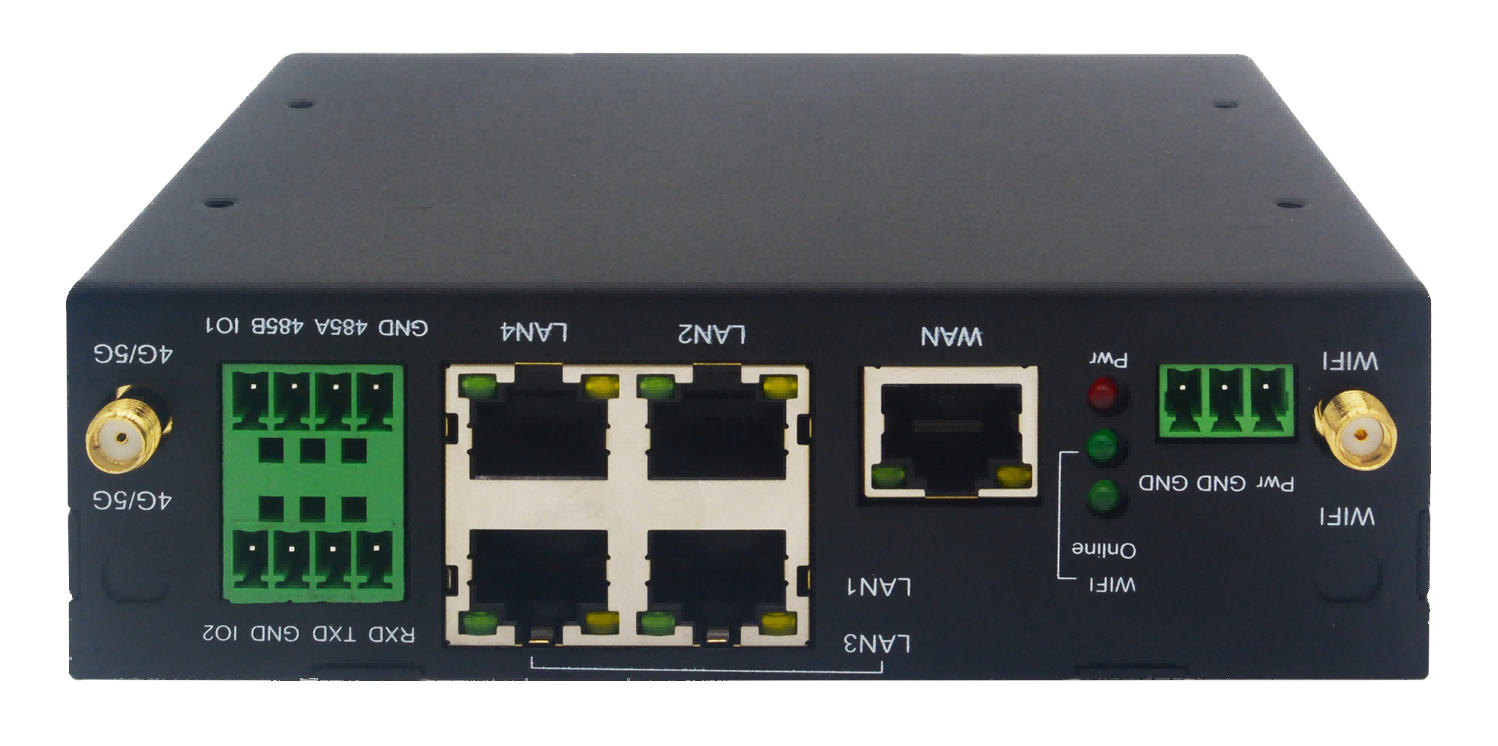
CM520-57FB series

CM520-57FB series →

An industrial router option to evaluate for the display network uplink.

Catalog example; match interfaces and cellular configuration to the display system.

Sensors, carrier service and monitoring software are selected separately for the project.

Plan your field connection.

Tell us about your instruments, site power, network coverage and receiving system.

Discuss Your Project →